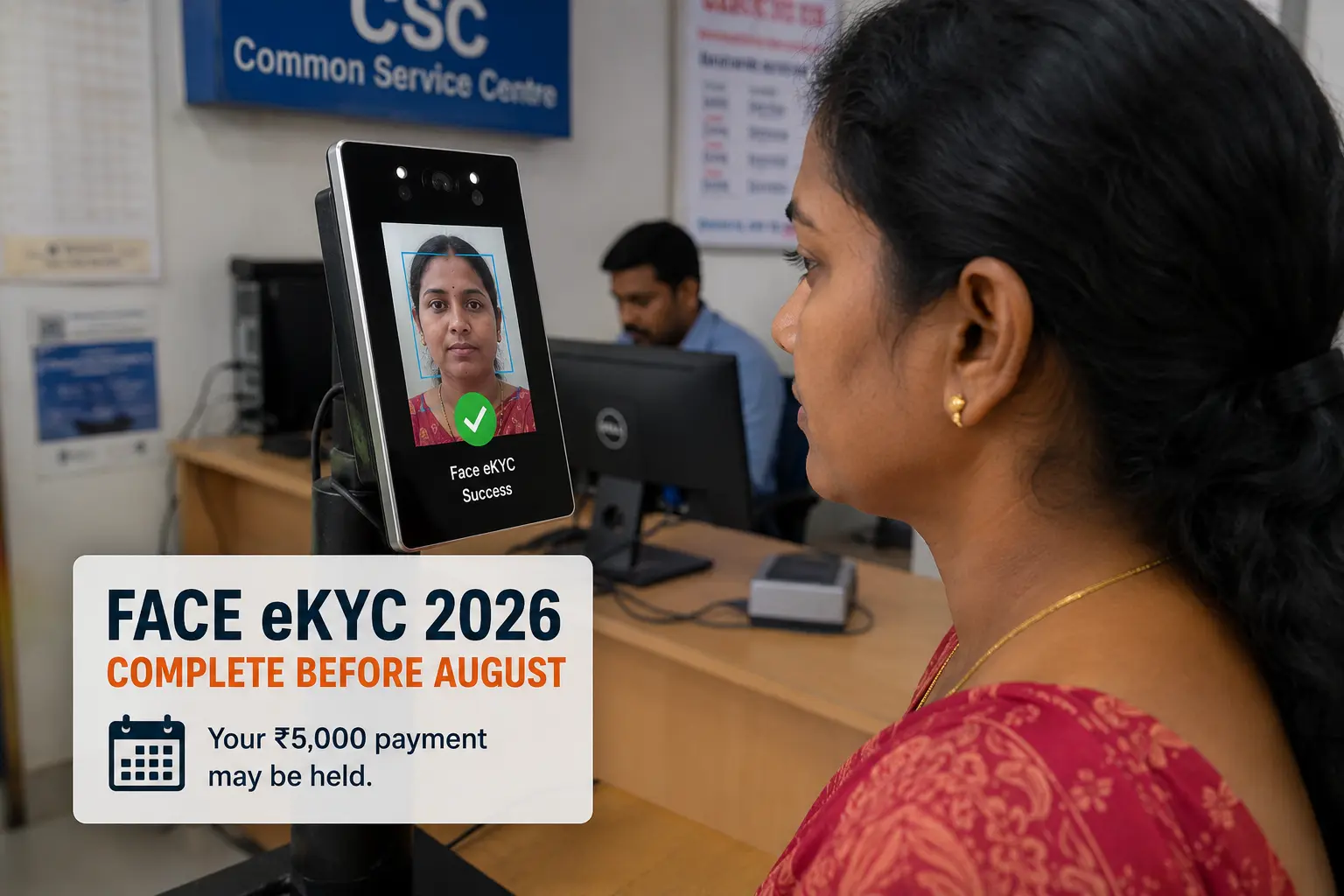
Subhadra Yojana Face eKYC 2026 — Complete Before 5th Installment or Lose ₹5,000
If you received your Subhadra Yojana 3rd and 4th installments without any problem but are worried about the 5th, there is one urgent thing you must do before August 2026: complete your Face Authentication eKYC. From 2026, this is mandatory for all installments — including for women who have been receiving payments smoothly since 2024. Without it, your ₹5,000 will be automatically held even if your name is on the approved beneficiary list. This guide tells you exactly how to complete it, step by step.
What Is Face Authentication eKYC in Subhadra Yojana?
Face Authentication eKYC is a live facial scan that matches your face with your Aadhaar biometric record to confirm your identity before each payment cycle. From 2026, Face Authentication eKYC is compulsory for all Subhadra Yojana installments. The system does a live face scan and matches it with your Aadhaar biometric data. Without it, your payment gets automatically held. You cannot do this from home — you need a certified operator with a registered biometric device.
Who Must Complete Face eKYC — And Who Is at Risk?
Face Authentication e-KYC is now mandatory to receive 2026 installments. This applies to everyone, including women who received all earlier installments smoothly. If your e-KYC is pending, your payment can be held even when you are otherwise eligible.
- Your portal status shows "eKYC Pending" anywhere on your profile
- You received installments 1–3 but did NOT visit a CSC or MSK for face verification in 2025–26
- Your status shows "Approved" but the eKYC indicator does not show "eKYC Complete"
How to Check If Your eKYC Is Done
Visit
subhadra.odisha.gov.inClick
"Track Application Status"Enter your
Aadhaar Numberand submit
Look for "eKYC Complete" and "NPCI Active" before any payment.
The portal shows your application stage, but look for two green signals: “eKYC Complete” and “NPCI Active“. Both must be green before any money can land.
How to Complete Face eKYC — Step by Step
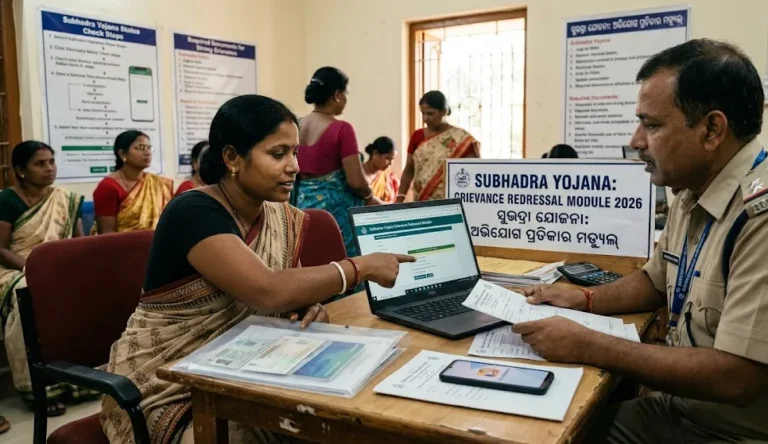
Visit a Mo Seva Kendra or CSC. The whole process takes about 10 minutes. Follow these steps:
- Visit your nearest Mo Seva Kendra (MSK), CSC, or Block Office — bring your original Aadhaar card and the phone with your registered SIM.
- Tell the operator: “Subhadra Yojana ke liye Face eKYC karni hai”.
- The operator opens the Subhadra admin portal and starts your eKYC.
- A live face scan is taken using a registered biometric device.
- The system matches your face against Aadhaar biometric records.
- After successful match, you receive confirmation — the process takes 5–10 minutes.
- Wait 3–5 days, then re-check your portal status — it should now show “eKYC Complete”
What If Face eKYC Fails?
If your face scan fails to match, the operator will ask you to update your Aadhaar biometrics at a nearby Post Office or Aadhaar Seva Kendra. After the biometric update (usually takes 72 hours to sync), return to the MSK for the face eKYC again.
Face eKYC vs Normal eKYC — What's the Difference?
| Type | How It Works | Where |
|---|---|---|
| OTP eKYC | OTP sent to Aadhaar-linked mobile | Was accepted in 2024–25 |
| Biometric eKYC | Fingerprint scan at CSC | Still valid at CSC |
| Face Authentication eKYC | Live face scan — now mandatory 2026 | MSK, CSC, Block Office |
Frequently Asked Questions — Face eKYC 2026
Is Face eKYC mandatory for all Subhadra Yojana beneficiaries in 2026?
Yes. Face Authentication eKYC is mandatory for all women receiving 2026 installments — including those who received the first 1, 2, 3, and 4 installments without any issue. Without completing it before the installment date, your 5th installment will be held automatically.
Can I complete Face eKYC from home on my phone?
How long does Face eKYC take to reflect on the portal?
I completed Face eKYC but my portal still shows "eKYC Pending" — what do I do?
Wait 5 full working days. If it still shows Pending, call the helpline at 14678 with your Application ID and the date you completed eKYC at the centre. The helpline can escalate the status update manually.
Is Face eKYC free?
Yes. Face eKYC at any Mo Seva Kendra, CSC, or Block Office is completely free of charge. Do not pay anyone for this service.